 TradeLinkers
Estimates your customers can say yes to.
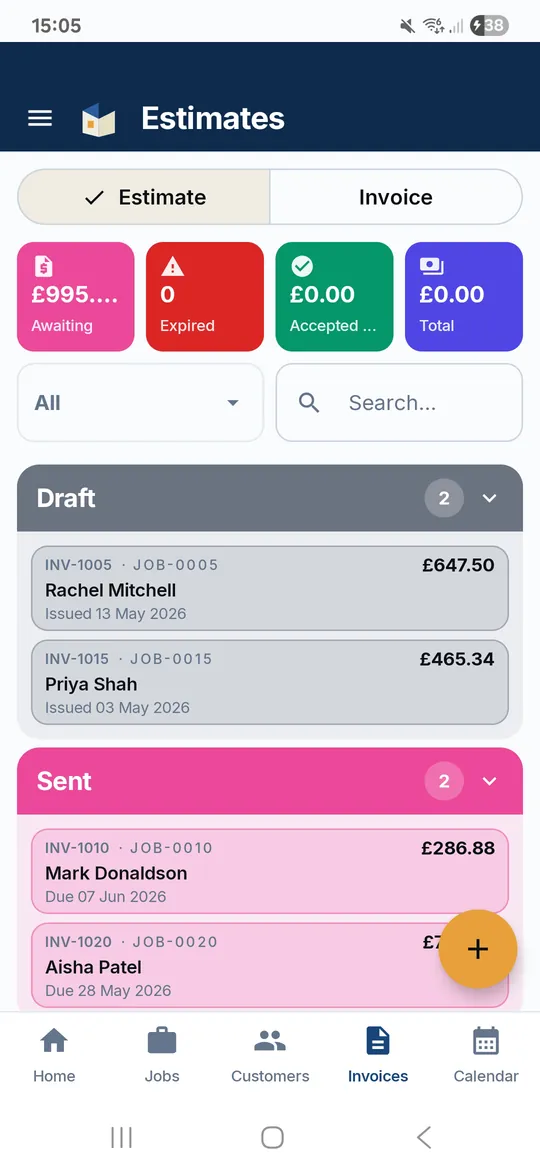
With TradeLinkers you write the estimate on your phone or the web and email it as a PDF. The customer taps Accept, types their name, and you get an email straight away. Ask for a deposit as a percentage, and when the work is done, turn the estimate into the invoice in one tap.

14 days free, no card. Then £9.99 a month for everything.
Quotes and estimates, the way a trade needs it
Accept online, no login
The email has an Accept this estimate button. The customer types their name and taps Accept or Decline. You get an email with the answer.
Ask for a deposit
Set the deposit as a percentage of the estimate and send the request. When it is paid, it comes off the final invoice automatically.
One tap to the invoice
Work done? Turn the estimate into the invoice with the same line items and the deposit carried over. No retyping.
Valid-until dates
Every estimate carries a date it is good until, 30 days by default, so old prices do not come back to bite you.
Quote visits in the diary
Book a survey as a Quote Visit job, go and look, then send the estimate from the same job so everything stays together.
In their portal too
Customers can also find the estimate in their customer portal and accept or decline it there, next to their jobs and invoices.
Three steps
Write the estimate
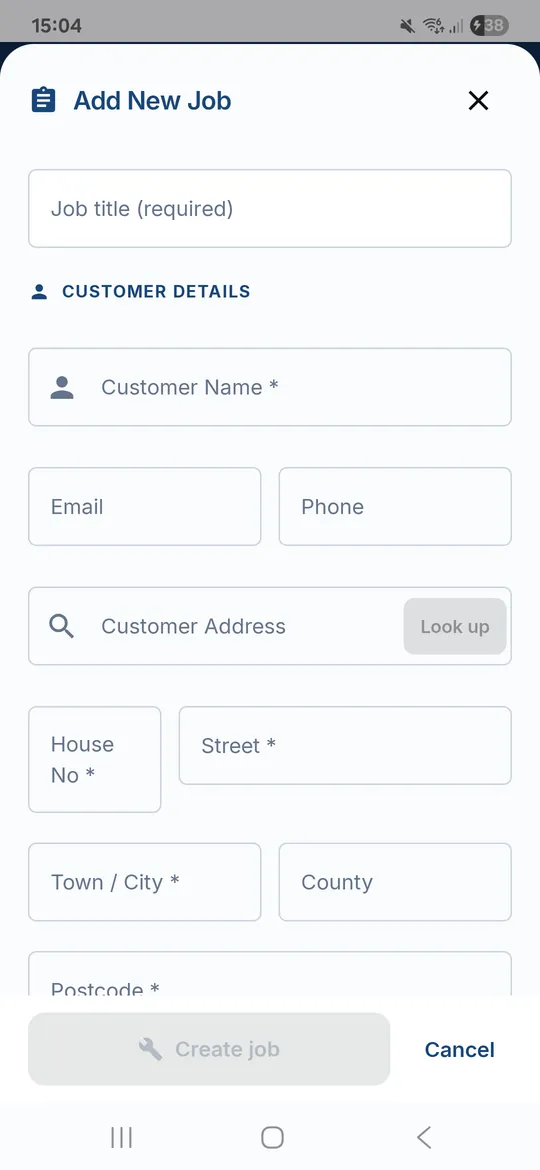
Add the lines for labour and materials on the job, set the valid-until date and any deposit you want.
Send it
Email it with the PDF attached. The customer gets an Accept button that works without an account.
Win it, then invoice it
You get an email when they accept. When the job is done, one tap turns it into the invoice.
Quotes and estimates: questions trades ask
What is the difference between a quote and an estimate?
A quote is usually a fixed price the customer can hold you to once they accept it. An estimate is your best guess, which can change if the job turns out different. TradeLinkers calls them estimates and you word yours to suit. More in quote or estimate.
Can a customer accept my estimate online?
Yes. The estimate email has an Accept this estimate button. It opens a page where the customer types their name and taps Accept or Decline. No app and no login for them, and you get an email with their answer.
Can I take a deposit?
Yes. Add a deposit as a percentage of the estimate and send the deposit request by email. Payments you record against it carry onto the invoice, so the customer only sees the balance left to pay. How much to ask for: taking a deposit.
How long is an estimate valid for?
You choose. Each estimate has a valid-until date, 30 days unless you change it, and it prints on the PDF so the customer knows the price will not stand forever.
Can I turn an estimate into an invoice?
Yes, in one tap from the job once the work is done. The invoice gets the same line items and any deposit already paid is taken off. The estimate is marked as invoiced so you never bill twice.
What it does not do yet
- No saved price list. You type each line, and can copy from a previous estimate by hand.
- Acceptance is a typed name, not a drawn signature.
- Discounts are on the web app only.
Free quote template
A clean quote or estimate PDF in two minutes.
Job price calculator
Labour, materials, markup and VAT in one sum.
Day rate calculator
What to charge per day to hit the income you want.
Quote or estimate: what's the difference?
A quote is a fixed price once accepted, an estimate is your best guess. What to put on each, how long a quote stays valid, and how to handle extra work.
Should you take a deposit, and how much?
When to take a deposit, how much to ask for, the 14-day cancellation rules for work agreed in a customer's home, and what to put on the quote.
How do you price a job as a tradesperson?
Price a job from your real costs: a day rate, materials markup, call-out, travel and contingency, then VAT if you're registered. With a worked example.
Try it on your next job.
14 days free, no card needed. After that it's £9.99 a month for everything, and you can cancel any time.
Android app on Google Play. On an iPhone or a computer, use the web app with the same account.