 TradeLinkers
Your own booking link. New work lands as a job.
Every TradeLinkers business gets a booking page at tradelinkers.co.uk/intake/your-business, with your logo and colours. When a customer fills it in, the customer and a New Enquiry job are created in your app, your phone gets a push notification, and the customer gets a confirmation email.

14 days free, no card. Then £9.99 a month for everything.
Booking link, the way a trade needs it
Your page, your brand
Your logo and brand colour on a clean form that works on any phone. No website needed.
A push the moment it lands
Your phone pings with the job type, urgency and town, so you can call back first.
Already a job
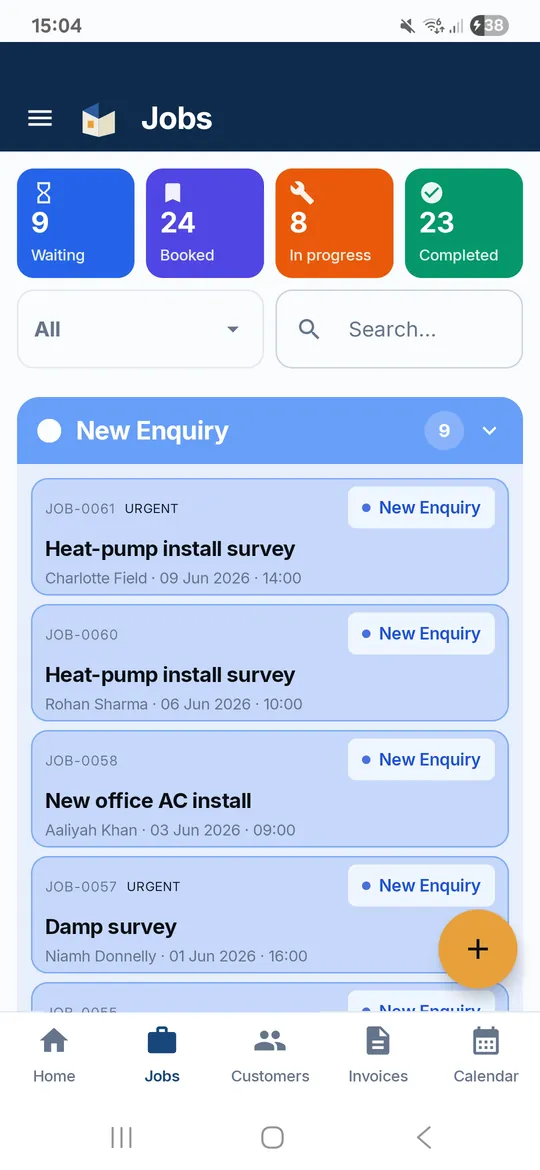
The customer record and a New Enquiry job are made for you, with their details and what they need doing filled in.
They hear back straight away
The customer gets a confirmation email, so they know it arrived and do not ring three other firms.
Proper addresses
Customers find their address from the postcode or street, so you get somewhere you can actually drive to.
Urgent stands out
Customers mark it Emergency, This week or Flexible, so the leaking pipe gets seen before the shelf.
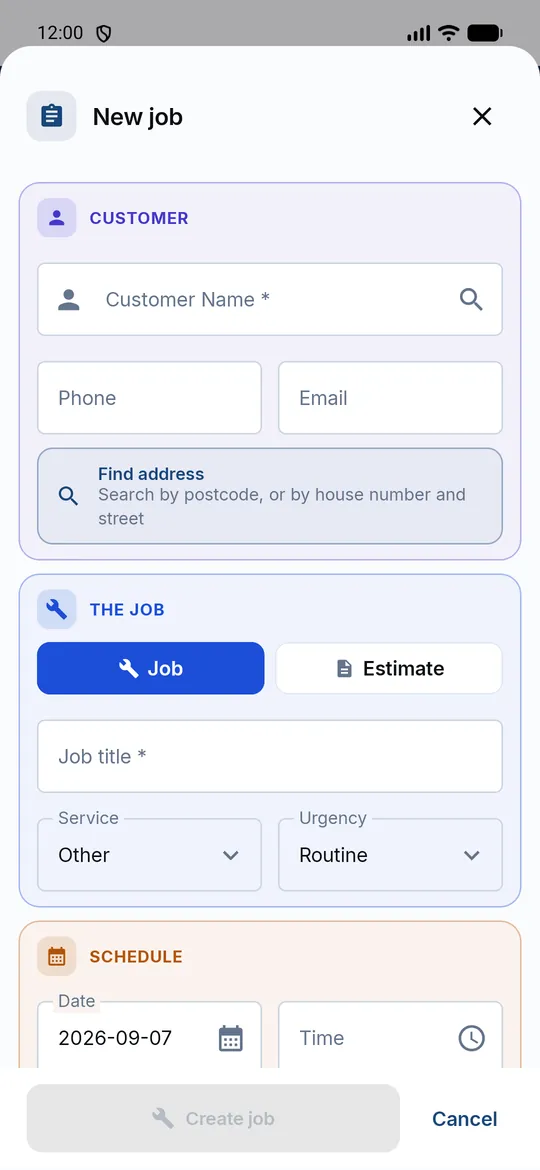
A form that takes two minutes on a phone
Your logo at the top, your colour on the button, and only the questions you need to call them back properly.
Three steps
Share your link
On the van, your Facebook page, your Google Business Profile, your email signature, a QR code on a flyer.
They fill it in
Name, phone, email, address, how urgent, and what they need doing. Two minutes on a phone.
You get the job
Push notification and email to you, confirmation to them, and a New Enquiry job waiting in the app.
Booking link: questions trades ask
Do I need a website to use it?
No. The booking link is a page we host for you at tradelinkers.co.uk/intake/your-business. Use it as your website link, or add it to the website you already have.
What does the customer fill in?
Their name, phone number, email, the address (with a Find address button), how urgent it is (Emergency, This week or Flexible), the type of job and what they need doing.
Where should I put my booking link?
Anywhere customers already find you: the website link on your Google Business Profile, your Facebook and Instagram bio, your WhatsApp status, your email signature, and as a QR code on the van or a flyer.
Can customers choose a date and time?
No. They send the job and you decide when to book it, so nobody books you into a slot you cannot make. Once you add a date and time the job moves to Booked In.
Is it included in the price?
Yes. Every account has its own booking link, during the 14-day free trial and on the £9.99 a month plan.
What it does not do yet
- Customers cannot pick a time slot.
- No photo upload on the form yet.
- The job type buttons are Plumbing, Boiler and gas, Electrical, Air con and Other.
- Confirmations go by email, not text message.
Free quote template
A clean quote or estimate PDF in two minutes.
Free invoice template
Fill it in, download a PDF. No sign-up.
Quote or estimate: what's the difference?
A quote is a fixed price once accepted, an estimate is your best guess. What to put on each, how long a quote stays valid, and how to handle extra work.
Should you take a deposit, and how much?
When to take a deposit, how much to ask for, the 14-day cancellation rules for work agreed in a customer's home, and what to put on the quote.
Try it on your next job.
14 days free, no card needed. After that it's £9.99 a month for everything, and you can cancel any time.
Android app on Google Play. On an iPhone or a computer, use the web app with the same account.