TradeLinkers update · 3 September 2026
What's new: pay by QR, and seeing when an invoice is opened
Add your own payment link once and every invoice carries it as a button in the email and a QR code on the PDF. Invoices also now show when the customer opened them. Live on the web portal today, in the app's next update.
Two changes this week, both about the gap between sending an invoice and actually getting paid for it. Both came from a working gas engineer telling us what was slow.
Your payment link, on every invoice
Most trades already have a way to take a payment — a pay-by-link from your bank, or a card page from whoever handles your payments. It just never made it onto the invoice, so the customer got a sort code and a reference and had to go and type them in.
Now you add that link once, in Settings → Business → Payment link, and every invoice you send carries it two ways.
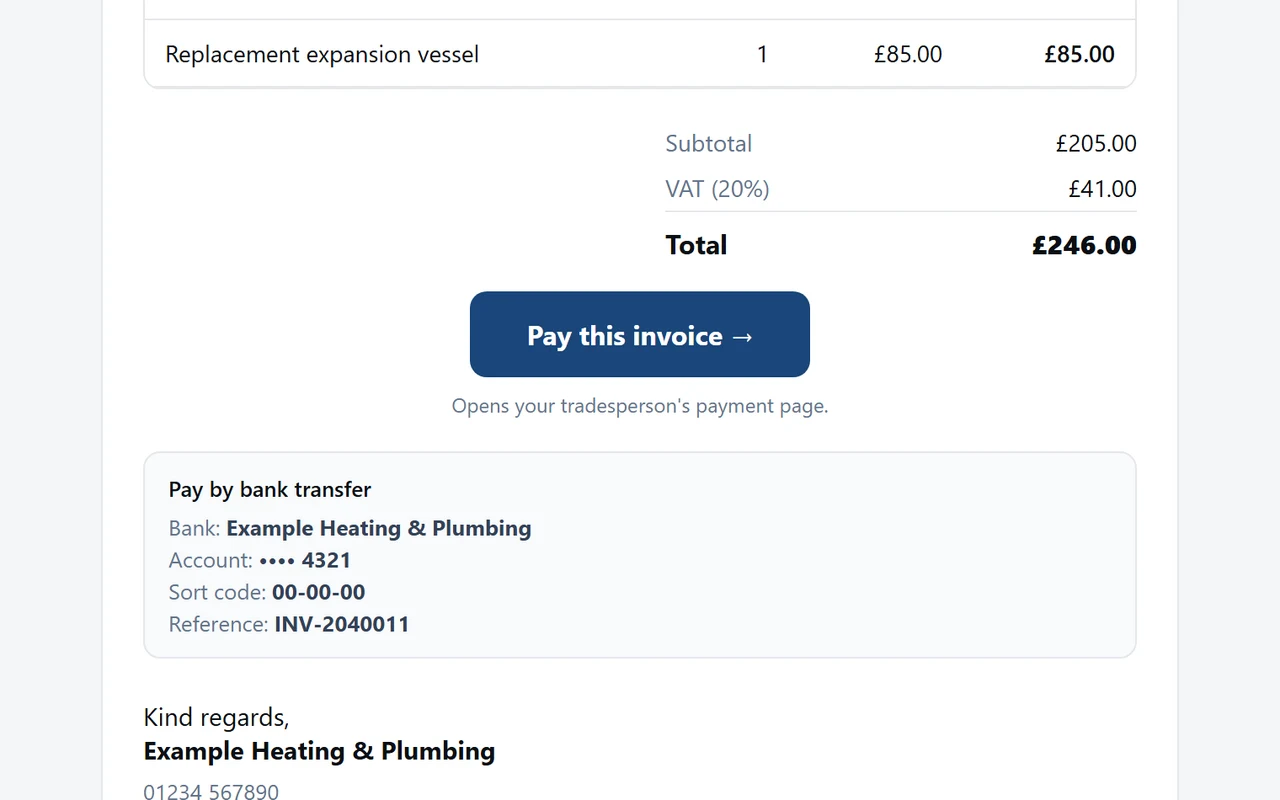
In the email, a button:
And on the invoice itself, a QR code next to your bank details, so someone holding a printed copy can point a phone at it:
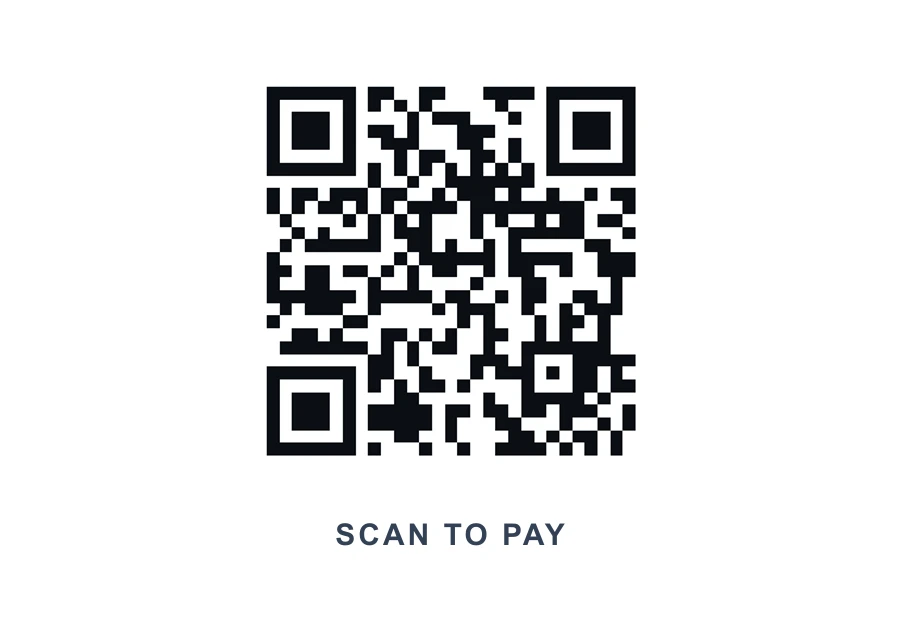
A few things worth knowing:
- It is your link. The money goes straight to you — it does not pass through TradeLinkers and we do not take a cut of it.
- Estimates never show it. There is nothing to pay yet.
- Your bank details still print exactly as before. This sits alongside them, it does not replace them.
You can see when an invoice is opened
Invoices and estimates now show Opened, with the time, once the customer''s email app has opened the one you sent. Handy for knowing whether to chase on Friday or leave it.
It is worth being straight about what that means. It records that the email was opened, not that a person read it:
- Some email apps, Apple Mail in particular, open images automatically the moment mail arrives, whether anyone looks or not.
- Gmail loads images through its own servers, which can register an open early.
- A customer who blocks images in their email will never register one at all.
So "Opened" is a signal, not proof — and a blank means "no idea", not "they ignored you". That is why it says Opened and never Read.
Also fixed
Sending an invoice from the desktop. Once a customer had opened an invoice, the Send and Resend buttons disappeared from the web portal and there was no way to send it again. Fixed. You can now send or re-send anything that is not paid or cancelled, and re-sending no longer resets a part-paid invoice.
The booking link you send customers. On a phone, the enquiry form was running off the side of the screen — the boxes were wider than the page. Fixed, and it is worth re-checking your own link if you had customers dropping out of it.
In the app
The same payment QR, pay button and read receipts are in the app''s next update, along with a tidier calendar (the day, its jobs and the block-day button are one row now instead of three stacked blocks with the date printed twice), a shorter new-job form, and document uploads that tell you what actually went wrong instead of "upload failed".
That build is on its way to Google Play now. The web portal changes are live already, at tradelinkers.co.uk/tradesperson.